pixelart.dev by PixelNova LLC
AI pixel art generator for game assets
Type what you need: a hero, a boss, a potion, a stone tileset, a forest that scrolls. pixelart.dev generates it and rebuilds it as real pixel art, on a true grid with a fixed palette and a transparent background.
AI pixel art that is actually pixel art
Ask a general image model for pixel art and you get a painting of pixel art: a large image with soft edges, hundreds of colours, and "pixels" that are not the same size. Zoom in and it falls apart. Put it in a game engine and it blurs.
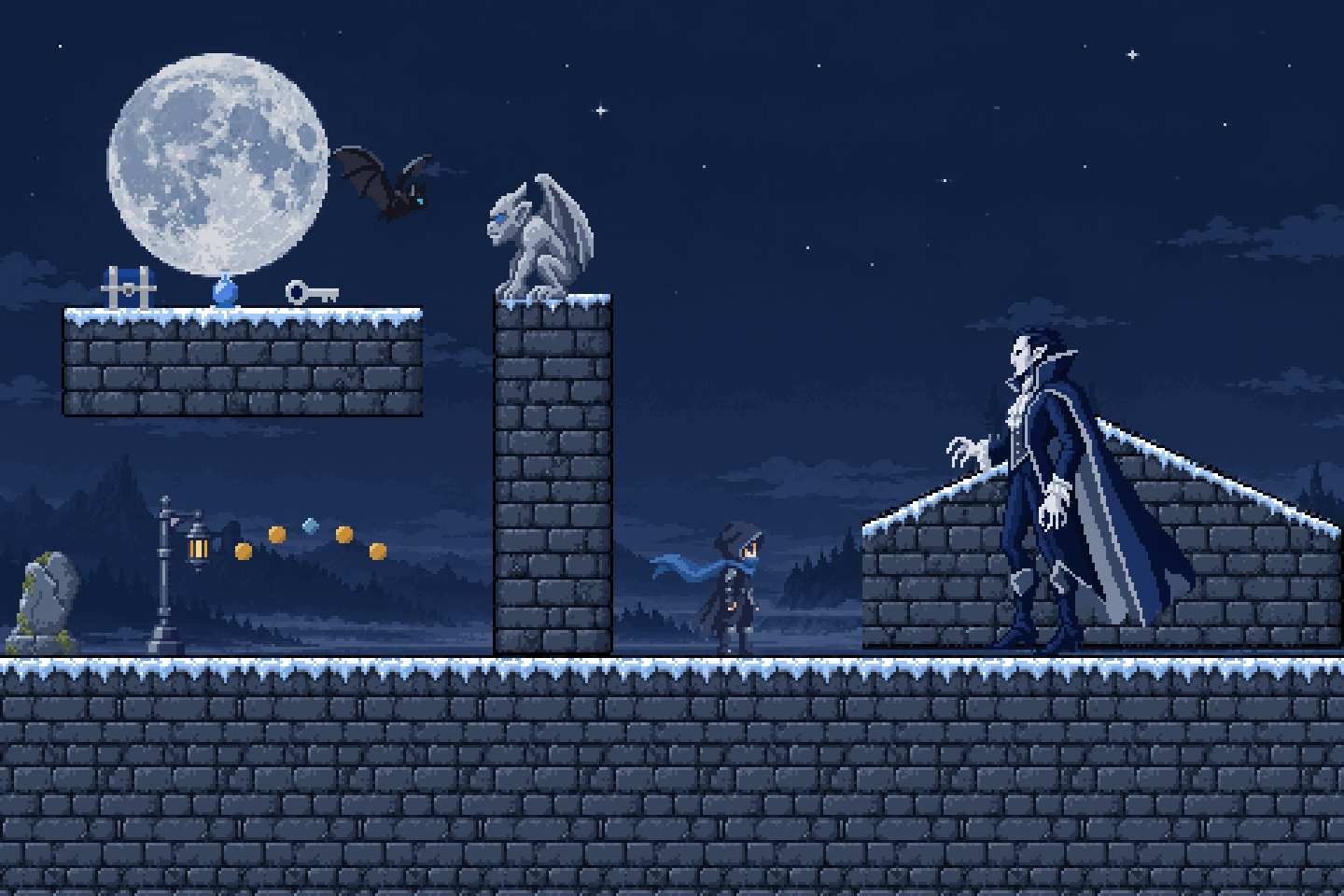
pixelart.dev treats generation as the first step. Every result is rebuilt at the size it was meant to be, with each block snapped to a real grid cell and every colour drawn from one small palette. What you download is a sprite, not a picture of one.


The rebuilt sprite is 78 × 78 real pixels in a limited palette. Scaled up, every edge stays hard.
One prompt per asset. One world.
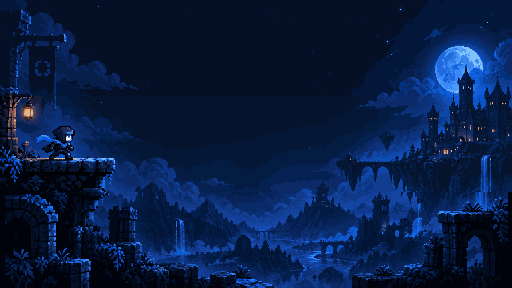
Every sprite below belongs to one moonlit level, generated in a single pixelart.dev project. Each asset type is drawn at its own size, so they sit together without resizing.


Small items
Pickups and HUD icons


Inventory items
Keys, chests, loot

Characters
At gameplay scale


Creatures
Animals and enemies

Props
Things in the level

Structures
Tall level pieces
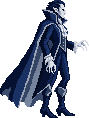
Bosses
Set-piece enemies

Terrain
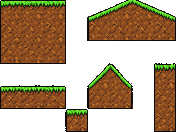
Tiles, cut apart
How a prompt becomes a game-ready sprite
Generation gives a first draft. Four steps turn it into an asset you can use.
- 01
Snap to grid
Finds the pixel size the image was drawn at and puts every block on a real grid cell, so edges stay hard at any zoom.
- 02
Fixed palette
Settles the colours to a small, real palette. No smudged gradients, no thousand near-identical shades.
- 03
True scale
Sizes each asset for its type against the project, so a coin is never drawn as big as the hero.
- 04
Clean transparency
Removes the background with hard alpha and keeps the enclosed gaps that belong to the sprite.
Parallax backgrounds, in layers
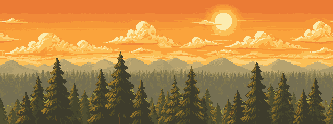
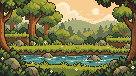
Describe a scene and get it back as two to four separate layers, from sky to foreground, each looping on its own. The forest here is four layers straight out of pixelart.dev, moving at four speeds.
Built for a whole game, not one image
Assets live in projects, so the fiftieth sprite is made with the same rules as the first.
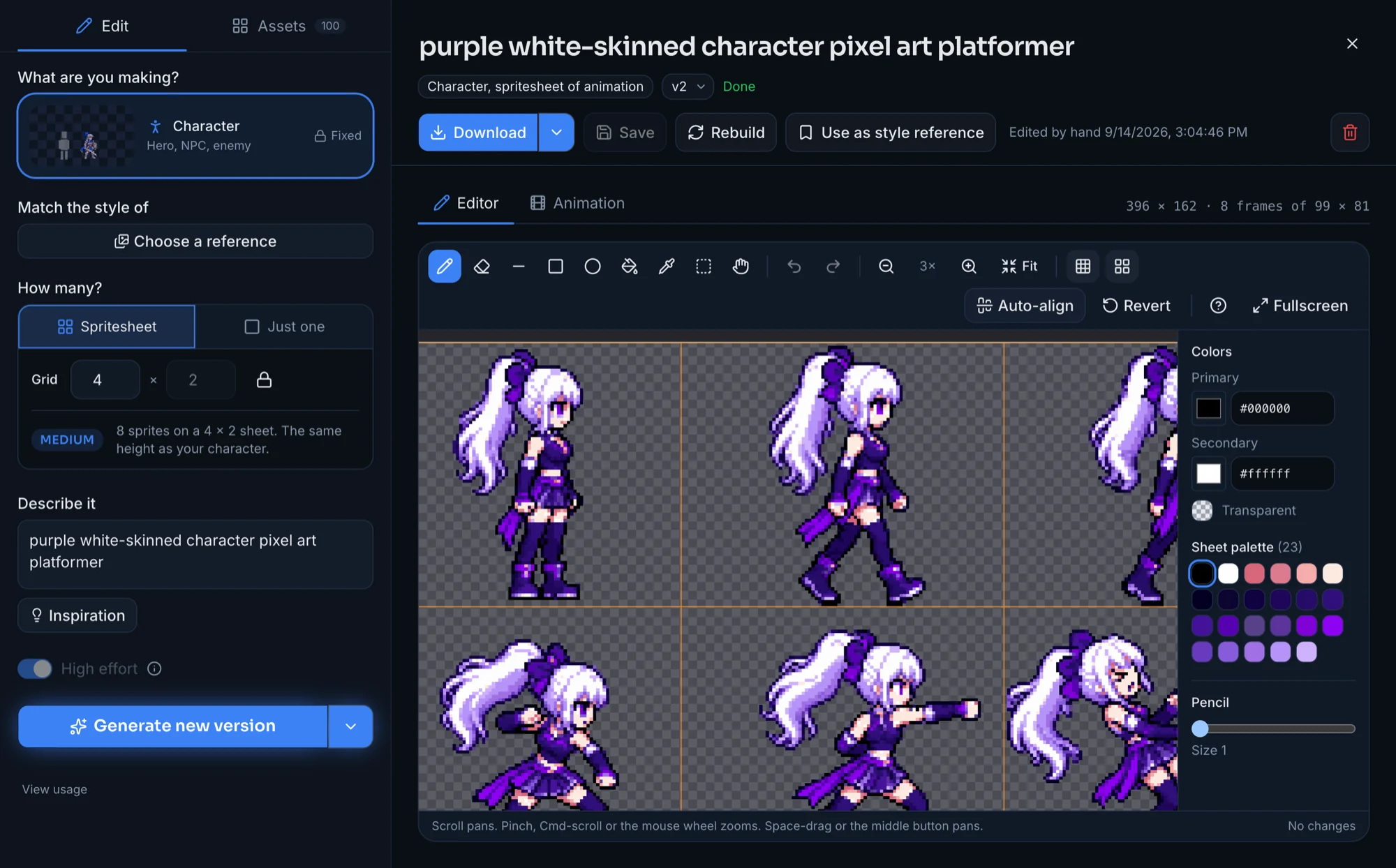
Projects keep a style
A project carries its palette, perspective and pixel settings, and the assets you approve become references for the next generation.
Sheets, not just singles
Generate variations, animation frames, tilesets and parallax layers as sheets laid out on a grid.
A pixel editor built in
Fix a stray pixel, adjust the palette, align animation frames, or rebuild with different pixel settings. Editing and rebuilding are free.
Versions and export
Every asset keeps its versions. Export single PNGs, sheets, or a whole project as a zip.
Made with pixelart.dev
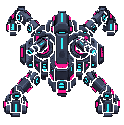
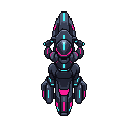
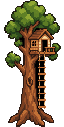
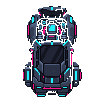
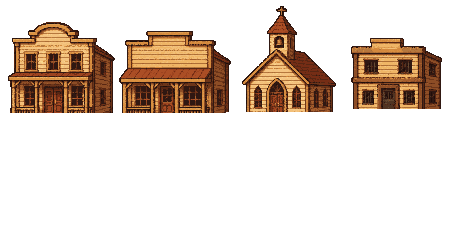
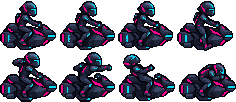
Heroes, bosses, vehicles, items, tilesets and backgrounds from the product's example projects, shown at whole-pixel scale.













Pricing
Two monthly plans, paid in credits. A generation costs 20 to 120 credits depending on what it makes. Failed generations are refunded, and editing and rebuilding never cost anything. There is no free plan; new accounts get 300 bonus credits that unlock with a plan and never expire.
Full pricing on pixelart.dev- Hobbyist
$11.99/ month
2,500 credits every month
- Pro
$24.99/ month
7,000 credits every month
AI pixel art questions
What is an AI pixel art generator?
A tool that turns a written description into pixel art. pixelart.dev is one made for game development: it generates characters, items, tilesets and backgrounds at real pixel sizes, keeps them consistent across a project, and includes a pixel editor to finish them.
Why not use a general AI image generator for pixel art?
General image models paint a picture that looks like pixel art, at a large size, with soft edges, stray colours and a background baked in. pixelart.dev rebuilds every result on a true pixel grid with a fixed palette and a transparent background, so it behaves like a sprite when you put it in a game.
What kinds of game assets can it make?
Characters, creatures, bosses, small pickups, inventory items, props, structures, terrain tilesets, and static or layered parallax backgrounds. It can also make variation sheets and animation frame sheets.
Will every asset in my game match?
Projects share style references, palette and pixel settings, which makes a set far more coherent than separate prompts. Results can still vary between generations, so you can regenerate, edit or rebuild any asset until it fits.
Can I sell games that use the art?
Yes. You own what you generate and can use it commercially, including in games you sell.
How much does pixelart.dev cost?
There are two monthly plans: Hobbyist at $11.99 with 2,500 credits a month, and Pro at $24.99 with 7,000 credits a month. A generation costs between 20 and 120 credits depending on what it makes. Failed generations are refunded, and editing and rebuilding cost nothing.
Is there a free plan?
No. There is no free plan or trial. New accounts do come with 300 bonus credits that never expire, which unlock once you choose a plan.
Your next game's art starts with a sentence.
pixelart.dev is built and run by PixelNova LLC.
Start creating