Pixel Nova Studio
A pixel art suite and pixel art editor for the web browser. Convert an image into true pixel art, recolour sprites, generate skin tones. For free.
Open Pixel Nova Studio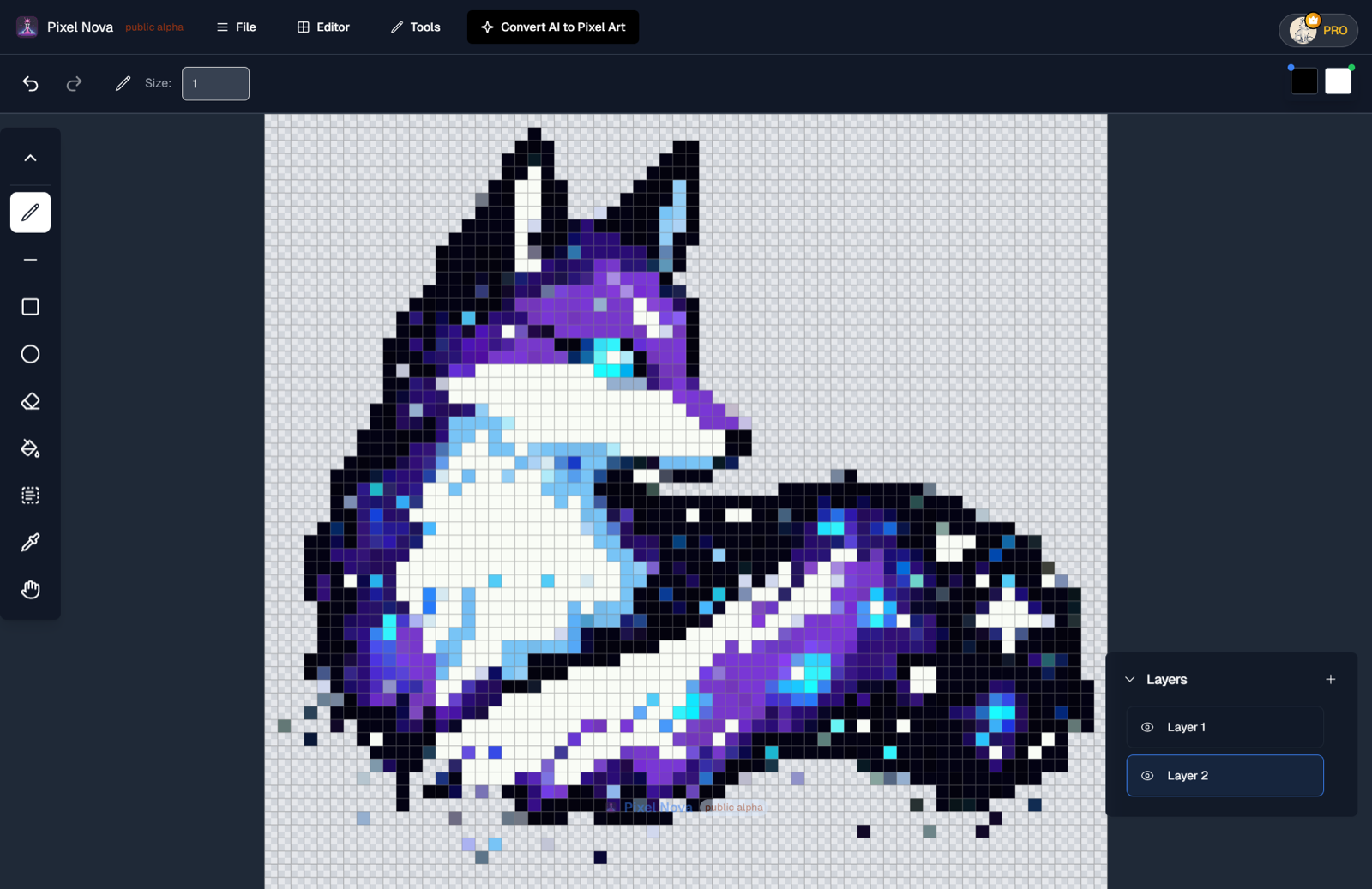
Four tools, each doing one job well.
Every one of these is live now. They open directly — no account is needed to start, and there is no paid tier.
Image to pixel art converter
Turn a photo, a drawing, or an AI-generated image into real pixel art. Set the resolution and palette size, and every pixel lands on the grid instead of being blurred onto it.
Colorizer
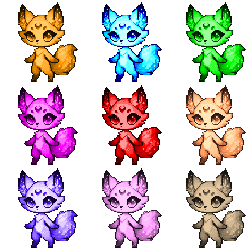
Recolour a sprite against a harmonised palette. Useful for palette-swapping enemies and props, or for lifting a greyscale sketch into finished colour.
Skin tone generator
Generate balanced skin tone ramps for character sprites across a range of complexions, then fine-tune each ramp by hand.
Pixel art editor
Draw directly in the browser. Layers, pencil and eraser, bucket fill, shapes, eyedropper, selection, and undo history, all working at pixel resolution.
Turning an image into real pixel art
Shrinking a picture is not the same as making pixel art. A normal resize blends neighbouring pixels together, which leaves soft edges, half-transparent outlines, and a colour count in the thousands. Zoom in and the illusion collapses.
The converter rebuilds the image on a real grid instead. You set the output resolution — how many pixels wide the sprite should actually be — and how many colours the palette is allowed to use. Every pixel then lands on a whole grid cell in a colour drawn from that palette, so the result holds up at 1× and at 1600%, and behaves like a sprite when you bring it into a game engine or a tilemap.
It works on photographs, scans, 3D renders, drawings, and on AI-generated images, which are the most common case: those tools produce pixel-art-style pictures rather than pixel art, and the converter turns them into the real thing.
Read the step-by-step guide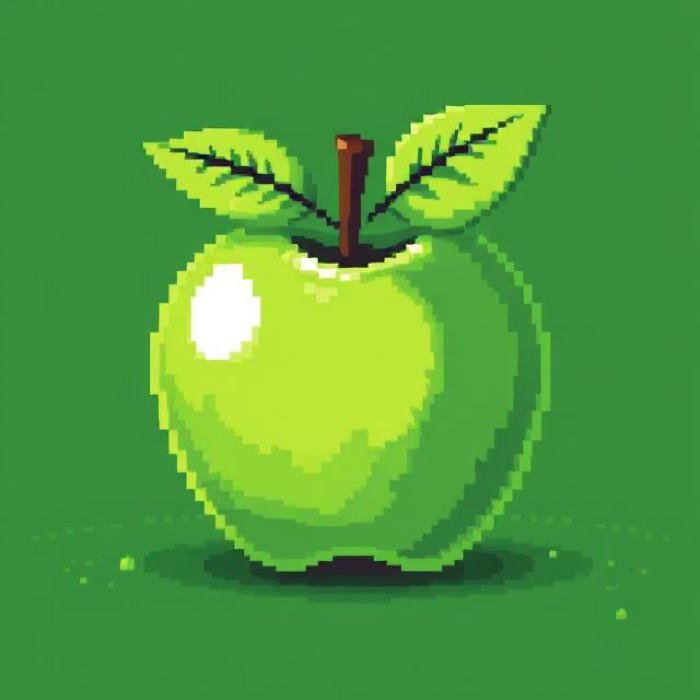

The converted sprite is a small grid of whole pixels in a limited palette. Scaling it up keeps every edge hard.
Drawing pixel by pixel
A layered editor built for pixel-resolution work, running entirely in the browser on an HTML canvas.
Layers
Build a sprite in parts — outline, fill, shading, effects — and reorder or hide any of them while you work.
Undo history
Every operation is a step you can walk back through, so experimenting costs nothing.
Zoom and pan
Work at 800% on a single cluster of pixels, then pull back to check the silhouette.
Export
Save the canvas as a PNG, or export a set of results together as a zip or a spritesheet.
- Pencil
- Line
- Rectangle
- Ellipse
- Eraser
- Bucket fill
- Eyedropper
- Select
- Pan
Palettes and skin tones
Colorizer
Recolour a sprite against a harmonised palette in one pass. It is most useful for palette-swapping — the same enemy in four biomes, the same prop in four materials — and for lifting a greyscale sketch into finished colour without picking every ramp by hand.
Open the colorizer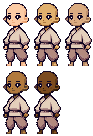
Skin tone generator
Generate balanced skin tone ramps for character sprites across a range of complexions, then adjust any ramp by hand. It exists because getting a consistent set of tones by eye is slow, and getting it wrong is obvious the moment two characters stand next to each other.
Open the skin tone generatorPixel Nova Studio is a product of PixelNova LLC.
The Studio has its own site, its own account system, and its own design language at pixelnovastudio.app. PixelNova LLC is the company that builds and runs it, alongside its other products.